
Latest Version
CHIRP Developers
Shopping
Linux
Free
com.chirpmyradio.chirp
Report a Problem
More About CHIRP Radio Programming Tool
An Essential Utility for Radio Enthusiasts
Managing frequency presets and configuration settings across multiple handheld or mobile transceivers can quickly become a logistical headache. The CHIRP radio programming tool offers an elegant, open-source solution to this common problem. Developed by the CHIRP Developers, this specialized Linux utility acts as a universal bridge between your computer and your radio equipment, removing the need for proprietary, model-specific software packages.
Who Benefits Most from CHIRP?
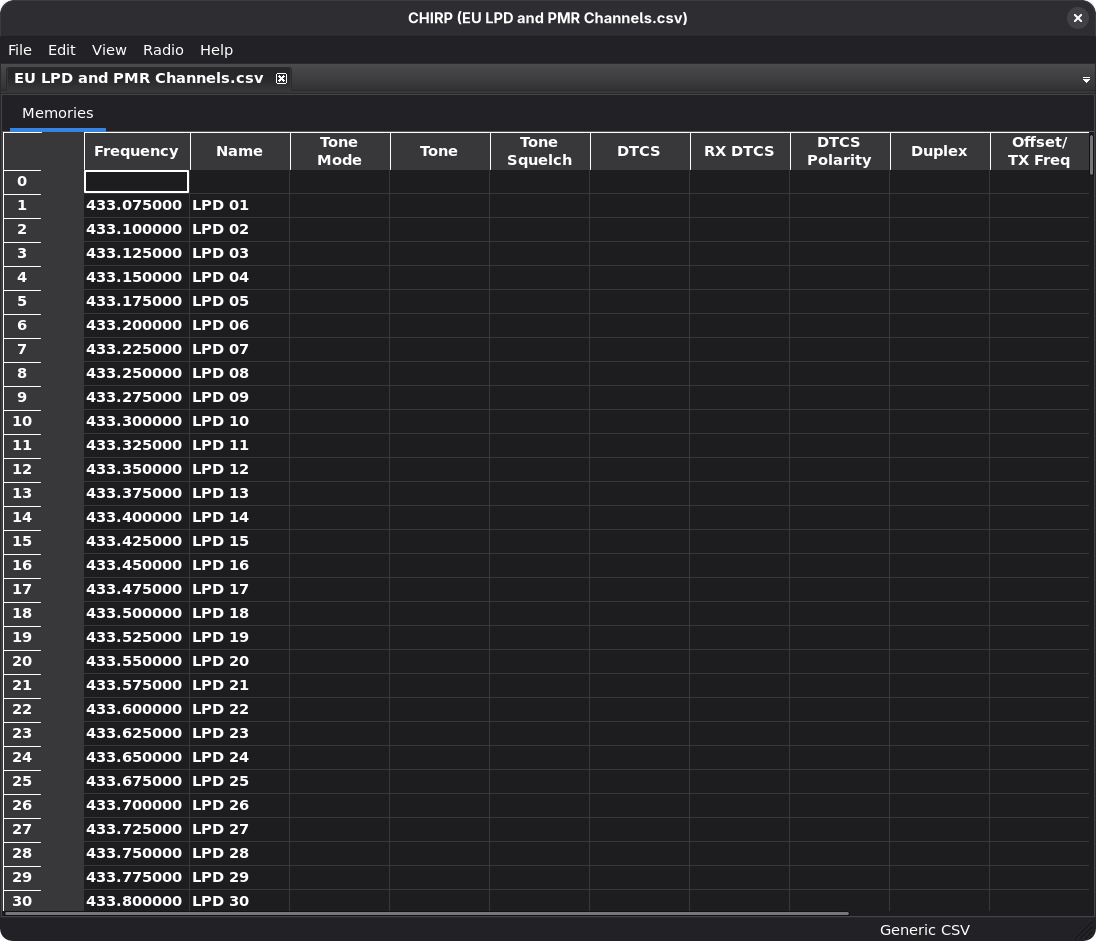
Whether you are an amateur radio operator managing a fleet of local club transceivers or an emergency responder maintaining backup communications gear, this tool is designed to save you time. Instead of manually inputting dozens of repeaters, tones, and offsets on a tiny keypad, you can manage your entire database from a clean, spreadsheet-style interface on your computer.
Key Features and Capabilities
- Broad Device Support: It interfaces seamlessly with a vast array of radio manufacturers and hardware models.
- Data Source Integration: Connects with multiple external data sources and formats to import repeater directories effortlessly.
- Cross-Model Cloning: Easily copy memory layouts from one radio brand to another with minimal reformatting.
- Open-Source Transparency: Completely free to use, maintained by an active developer community ensuring regular updates.
Linux Configuration Note
Because the CHIRP radio programming tool requires direct access to your hardware's serial connection to upload and download data, Linux users must configure proper system permissions. To allow the application to interface with your serial ports, you will need to add your user account to the dialout group. This is typically achieved by running the following command in your terminal:
sudo usermod -aG dialout $USER
After applying this system change and restarting your session, the software will have the necessary access to communicate with your programming cables.
An Indispensable Tool for Your Workbench
If you own more than one transceiver, or if you regularly update your local repeater lists, the CHIRP radio programming tool is an indispensable asset for your Linux workstation. It strips away the frustration of proprietary programming software and replaces it with a unified, reliable workflow.
To explore this utility further and configure your own radio equipment, head over to the official Flathub store page to get started with the installation on your Linux distribution.
Rate the App
User Reviews




Popular Apps










Editor's Choice